Your equipment, online

Every customer gets their own login. It runs on the same app Travis uses on the job, so what you see is what he logged.

Powered by Red Tag Inspections

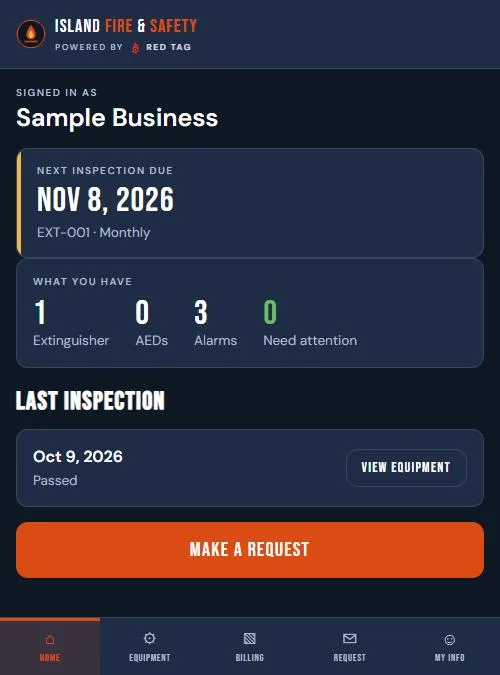
Portal home screen on a phone: next inspection due, what you have, last inspection passed
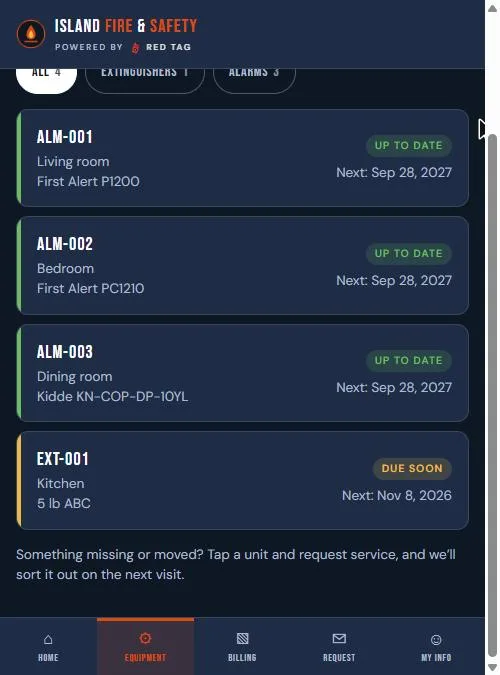
My Equipment list on a phone: smoke alarms up to date and an extinguisher due soon

Every unit, one list

Extinguishers, AEDs and alarms, by building and area. Each one shows its status and when the next inspection, 6-year maintenance or hydro test is due.

Tap a unit to see its last inspection and its history.

Moved a unit to another room? Your staff with edit access can update where it lives, and Travis sees the change.
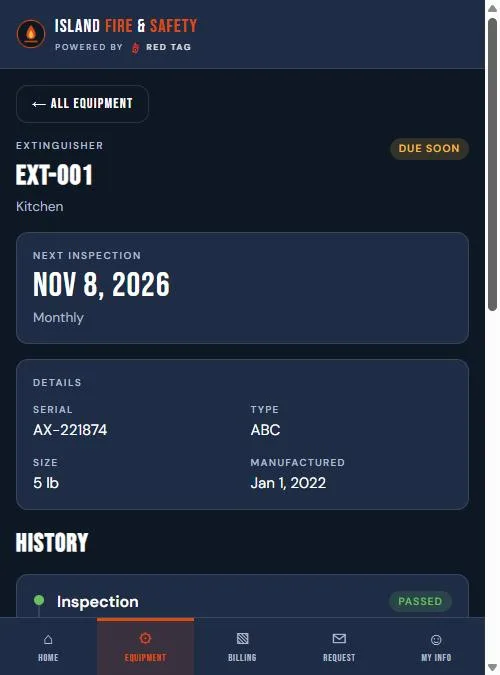
One extinguisher in the portal: next inspection date, serial, type, size and history

Reminders, and you ask for the day

You get an email before anything comes due. Ask for a day that works, plus a backup, right from it. Travis confirms. No phone tag.

Recall checks

Every unit in our system is checked against federal recall lists: CPSC for extinguishers, the FDA for AEDs. If one of yours is recalled, you hear from us.

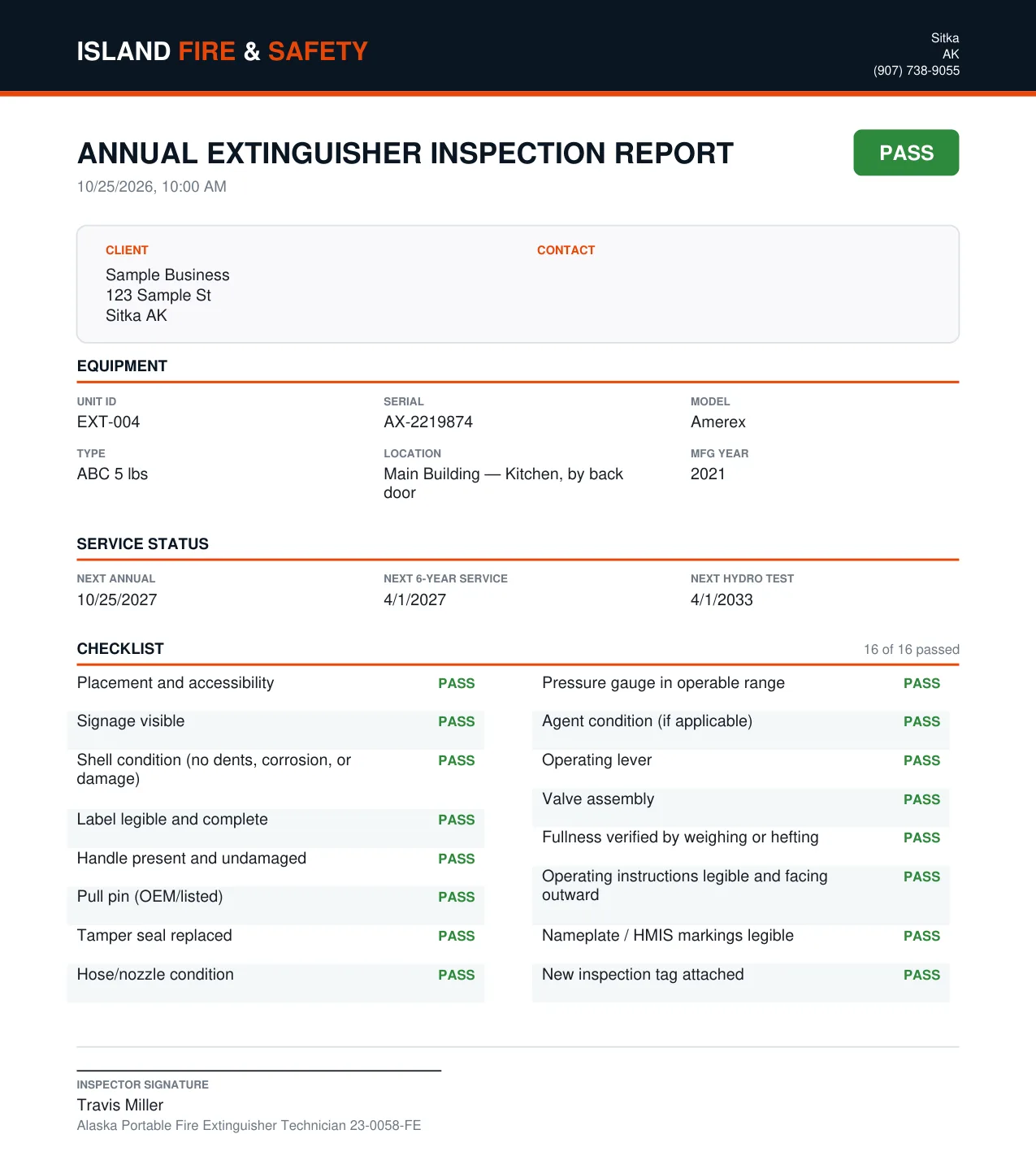
Sample inspection report with unit details, due dates and a pass checklist

Reports on file

Every visit report as a PDF, ready for the fire marshal or your insurance. Download your equipment list any time.

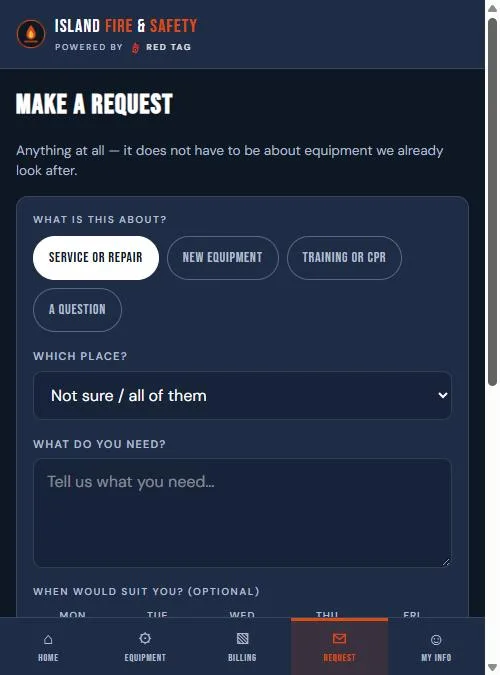
Make a Request screen on a phone: service or repair, new equipment, training or CPR, or a question

Ask for anything

Service, new equipment, a class or just a question, right from the portal.

Invoices and quotes are there too. Pay by card online.

Short answers

Tap a question to open it.

How do I get a login?

It comes with your first inspection or AED. Travis sets up your account, and you sign in with a link sent to your email. No password to remember.

What does it cost?

Nothing. It comes with the service.

Not a customer yet?
Text Travis Call